
Reimagine
Rewrites the text from a new angle. Layout, images, forms and links stay exactly as they are.
Turn a page that works into a new angle or a new language. The original stays as it is, and the copy is a page of its own.
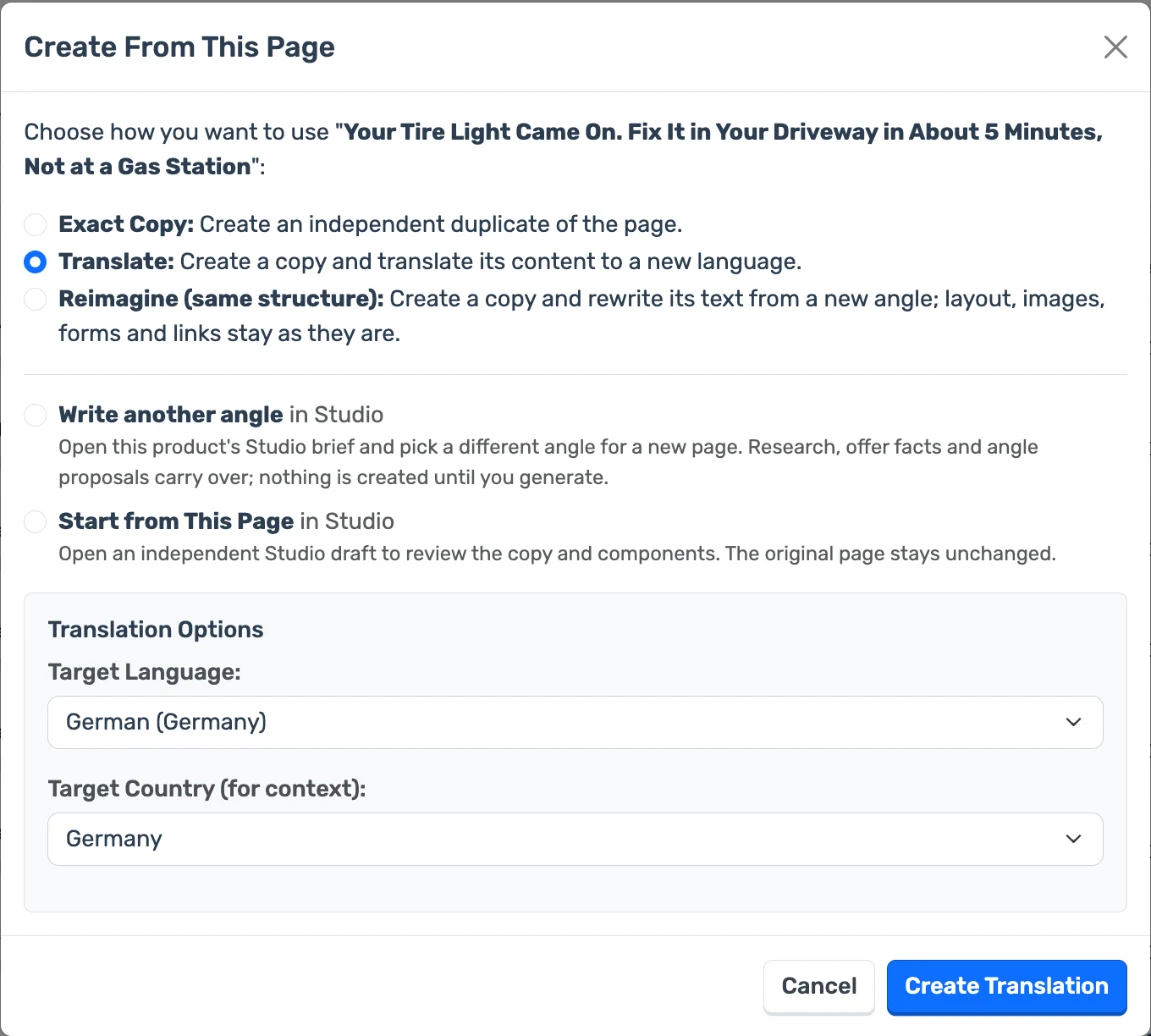
Rewrites the text from a new angle. Layout, images, forms and links stay exactly as they are.
Creates a copy in another language, adapted to the country you choose.
An independent duplicate, for when you only want to change a detail by hand.
Pick the language and the country. The translation is asked to use local names, cities, units, currency formats, dates and idioms, so the page reads as if it was written there.
Translation is done by AI. Have a native speaker read the page before you spend on traffic.
On the dashboard, choose Create from this page.
Translate it, or reimagine it with an angle you write or one the AI suggests.
The copy is created in the background and appears on your dashboard, ready to edit.
Same product, same layout, a different story. Useful when you want another angle to run against the first.
Take a page that already converts into a new market without rebuilding it.
No. Only the text is rewritten. Layout, images, forms and links stay as they are.
No. It creates a new page and leaves the original untouched.
Yes. Each copy is a page of its own and counts towards your active pages.
Not in one step. Reimagine keeps the language and country of the page; translate it before or after.
It is written by AI with instructions to adapt names, units, currency formats and idioms to the country. Review it before you publish, as you would any translation.