
Start from anything
A product link, your own draft, customer reviews or a few key facts. The Studio reads the source and builds the brief.
Paste a product link, review the brief and pick an angle. The Studio writes the page and hands it to you in the editor.
A product link, your own draft, customer reviews or a few key facts. The Studio reads the source and builds the brief.
Get up to six angle proposals, each with a headline, a hook and the evidence behind it. Or write your own.
Choose the structure, the tone, the length and how much creative freedom the copy takes.
Each proposal comes in a different voice, so you can test more than one story for the same offer.
Every angle shows the evidence it is built on, so you can check it before the article is written.
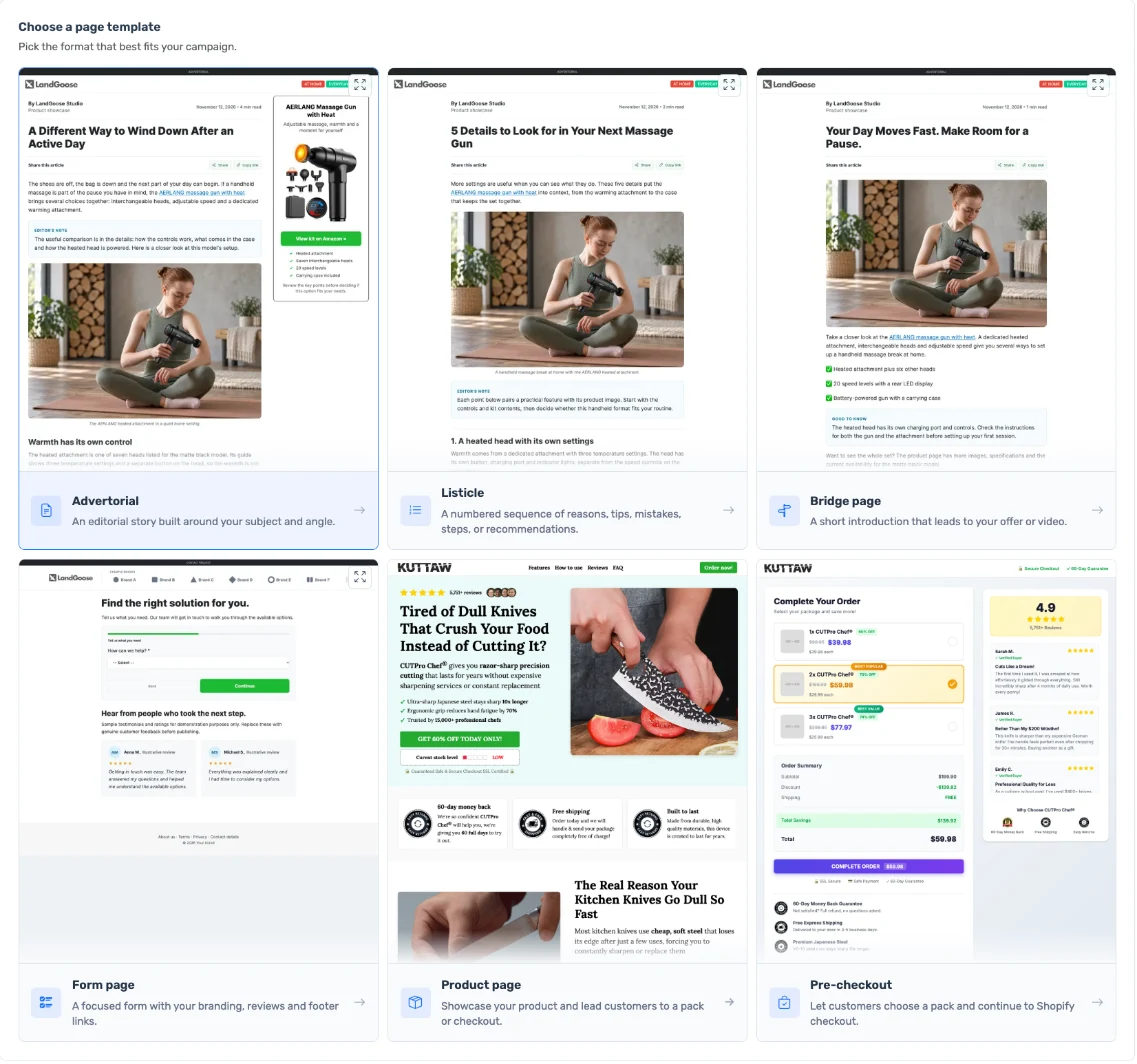
Choose the template and the goal, clicks to an offer or leads, then paste your link.
Pick one of the proposed angles or write your own.
Choose the images, generate the page and open it in the editor.
The result opens in the editor. Nothing is published until you decide.
Copy the article or download it as Markdown to reuse in emails, ads or anywhere else.
A product or source page link, your own copy, customer reviews, supporting material, or just a subject and key facts. A saved brief works too.
A typical run uses about 7 credits: 2 for the brief, 1.5 for the angle proposals, 1.5 for the article and 2 for the structure. Optional extras, such as a review digest or a quality check, cost between 0.15 and 1.5 credits each.
No. You choose images from the source page, your library or your uploads. Once the page is in the editor you can edit any image with AI.
Yes. Choose Use My Copy, paste your article and the Studio builds the page around it as written.
No. The page opens in the editor so you can review it first.