

Choose a benefits listicle to explain what a product enables, a problems listicle to help shoppers identify a practical obstacle, or a comparison listicle to clarify the trade-offs between options. This guide shows how to build each format with screenshots of real published pages, an original writing exercise and a specific next step.
A numbered headline is only the beginning of a listicle landing page. The harder part is deciding what each item should help someone understand before buying.
Consider these three openings:
- Benefits: “3 Ways a Compartmented Lunch Box Can Fit Your Workday”
- Problems: “3 Lunch-Packing Problems to Check Before Buying Another Container”
- Comparisons: “3 Lunch Container Setups Compared: Which Fits Your Routine?”
Each promises a different kind of help. A benefits page needs product demonstrations. A problems page needs useful checks and realistic remedies. A comparison needs consistent criteria and visible trade-offs.
This guide pairs screenshots of real published pages with an original writing exercise. The screenshots show how publishers present their content; they are not evidence of conversion performance or endorsements of the products. For a broader collection of headline patterns, see our 12 listicle examples.
Choose the Question Before the Format
| Shopper's question | Format to consider | What each item should contain | Useful next step |
|---|---|---|---|
| What would this product let me do? | Benefits | One use, the feature behind it, and a demonstration | View the product and specifications |
| What is making this task difficult? | Problems | An observable issue, a check, and a practical response | Check whether the product fits the need |
| Which option suits me? | Comparisons | The same criteria applied to each option, including limitations | Explore the option that fits |
These are useful editorial structures, not the only types of listicles. A page can combine them, but its headline should still make one clear promise.
Being new to your brand does not tell you whether someone needs an explanation or a comparison. A first-time visitor may already know exactly which product category they want. Use the ad's promise and the shopper's question to form your hypothesis; then test it.
Real References and a Separate Writing Exercise
The source examples are Huel, Blueland and Bon Appétit. Each screenshot links to its original page. Below those references, the benefits and problems writing exercises use a fictional lunch box with three compartments, a removable divider and a snap-on lid. These are invented demonstration specifications, not claims about a product you can buy.
The comparison example uses three conceptual setups: one open container, one divided container, and several small containers. It does not rank real brands. Capacity, sealing, heating compatibility, materials, price and care instructions would all need verification for a real campaign.
1. Benefits Listicle: Show What the Features Enable
Example headline: “3 Ways a Compartmented Lunch Box Can Fit Your Workday”
Use this structure when you can explain several distinct uses of a product. Start with something a shopper can picture doing, then show the product detail that makes it possible.
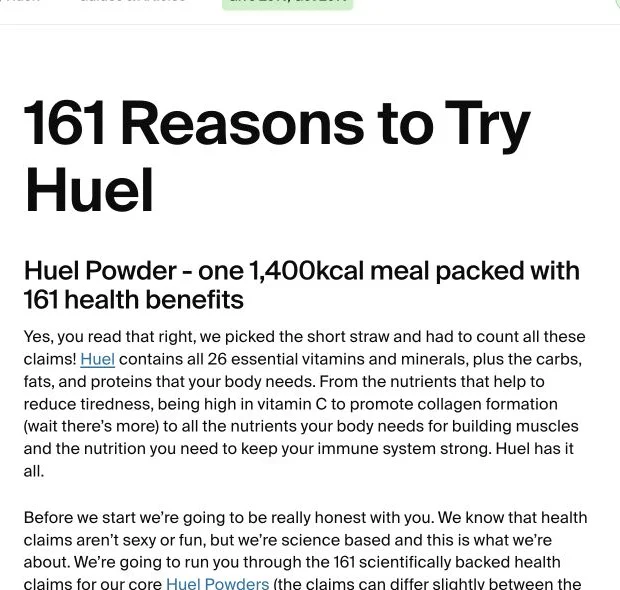
Real example: Huel. Its reasons-to-try page uses a large numbered promise and groups its argument into topics. Study how it organizes reasons and connects the explanation to shopping; the brand's product claims require their own evidence. The page may redirect to a regional store.
Apply the structure to the fictional lunch-box brief:
Here is a three-item outline:
- Give different foods their own space. Show the three compartments filled with a sample lunch. Explain their dimensions; do not turn physical separation into an unsupported leakproof claim.
- Change the layout for a larger item. Show the removable divider in and out, with the same food beside it for scale.
- Pack the sections together. Show the closed box and its external dimensions so the reader can check whether it fits their bag.
A useful sample section would read:
Make room for a larger item. In this demo design, removing the divider turns two smaller sections into one larger space. The photo should show the available space with the divider removed. Check the internal dimensions against the lunch you normally pack.
That section gives the feature a purpose and sets a limit. “Perfect for every lunch” would do neither.
Evidence to prepare: photos of the actual product, measured dimensions and a demonstration of the removable part. If you use a customer's experience, keep it attached to that person's real words and context.
CTA: “See dimensions and product details.” The destination should make those details easy to find.
Common editing problem: three items that all say “more convenient.” If two items need the same photo and explanation, combine them. A shorter list with distinct reasons is a better draft than padding to reach a headline number.
2. Problems Listicle: Help the Reader Check the Cause
Example headline: “3 Lunch-Packing Problems to Check Before Buying Another Container”
This structure begins with a task that is not going as expected. Its value comes from helping someone inspect the situation, including cases where buying your product would not help.
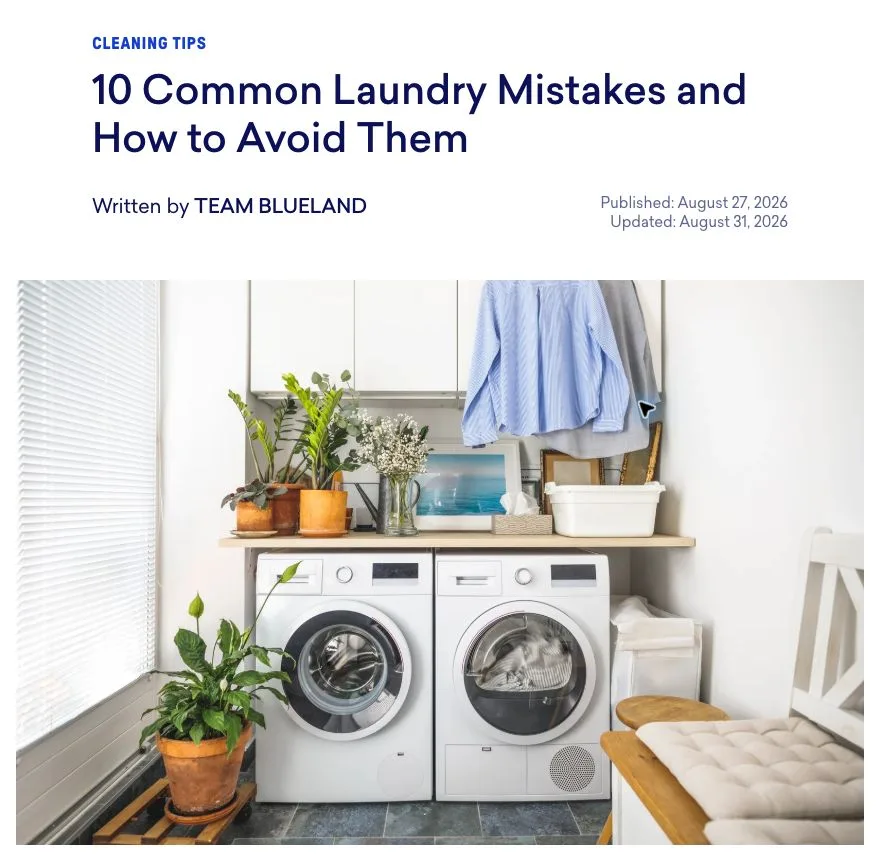
Real example: Blueland. Its laundry mistakes article starts with a practical household task, organizes the advice as ten mistakes and connects some remedies to its products. Notice that the reader gets useful checks before the product roundup.
Apply the structure to the fictional lunch-box brief:
For our example, the outline could be:
- Foods mix when you want them separate. Ask whether the issue is dry foods touching or liquids moving between sections. Dividers may address the first; do not assume they address the second.
- Your usual lunch does not fit. Suggest measuring the food or container space you actually need. A removable divider changes layout, not the total capacity of the box.
- Several containers make packing awkward. Show a single-box setup as one option, while acknowledging that separate containers can suit people who prefer independent portions.
A sample section:
Check what needs separating. If you want crackers and fruit in different spaces, compartments may be useful. If you carry a liquid dressing, check the manufacturer's sealing guidance or use a separate suitable container. A divider alone does not establish that liquids will stay in place.
The offer can appear naturally after the checks: “If separate spaces and an adjustable layout match your routine, review this box's dimensions.” You do not need to hide who sells it or invent an independent reviewer.
Evidence to prepare: photographs of the packing issue and the proposed setup, plus verified instructions for the intended use. Avoid dramatic before-and-after images that imply an outcome you have not demonstrated.
CTA: “Check whether this layout fits your lunch.”
Common editing problem: treating every inconvenience as a reason to buy. Include an honest “not suitable if” note where relevant. Someone carrying soup may need a different product entirely.
3. Comparison Listicle: Make the Trade-Offs Visible
Example headline: “3 Lunch Container Setups Compared: Which Fits Your Routine?”
A comparison listicle helps readers choose between alternatives. It can compare your own variants, product categories or specific products. Comparing categories is useful when you do not have enough verified information to rank individual brands.
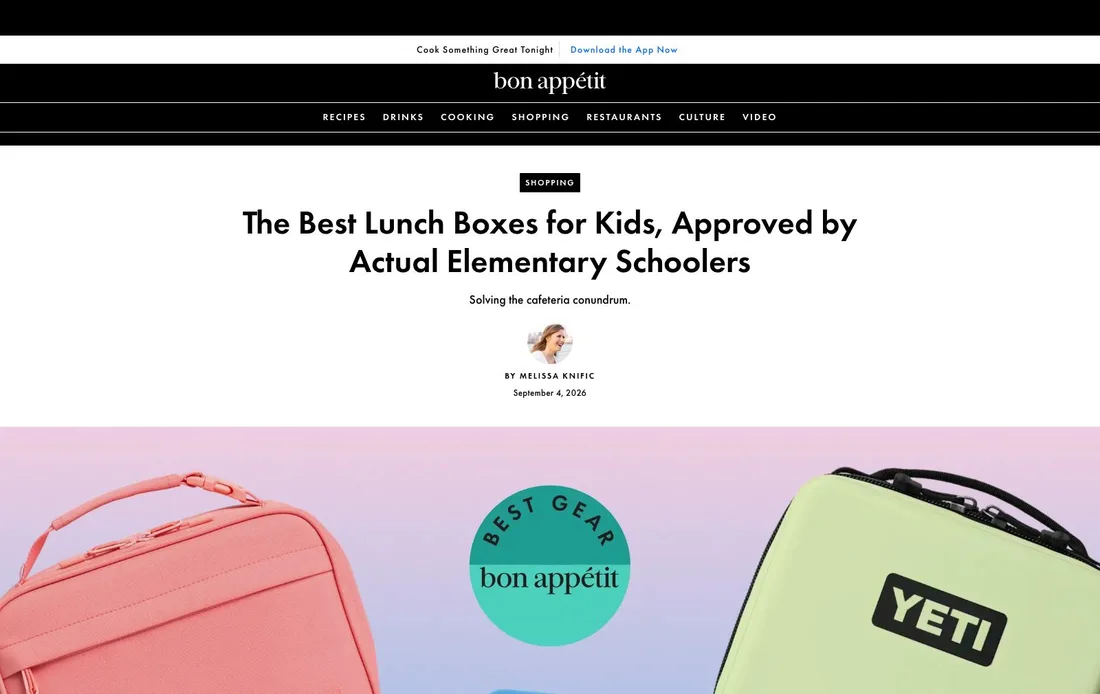
Real example: Bon Appétit. Its lunch-box roundup uses product photos, use-case labels, pros and cons, and separate retailer links. It discloses potential compensation. This is an editorial comparison roundup, rather than a brand's single-product sales page; its organization is useful even without numbered headings.
Apply the structure to the conceptual lunch-container comparison:
For this conceptual comparison, use three numbered sections with the same subheadings: layout, possible use, limitation and what to verify.
| Setup | Layout to demonstrate | Trade-off to explain | Verify on the actual product |
|---|---|---|---|
| One open container | One uninterrupted space | Foods share that space unless separately wrapped or contained | Capacity, dimensions and closure |
| One divided container | Several sections in one box | Fixed sections can limit the size of individual items | Section dimensions and divider configuration |
| Several small containers | Individually packed items | More separate pieces to pack and keep together | Combined dimensions and each container's instructions |
A sample section:
Several small containers: separate pieces for separate items. This setup lets you choose which containers to take on a given day. The trade-off is managing several pieces and checking their combined fit in your bag. Compare the actual sizes before assuming the set is more compact than one box.
For real products, add the source and checking date for specifications and prices. Use “not stated” where information is unavailable. Do not convert missing information into a negative claim about a competitor.
Evidence to prepare: a consistent specification sheet, comparable photos and the basis for any judgment. If you have not tested the products, describe this as a specification comparison rather than a hands-on review. Make the publisher and commercial relationship clear.
CTA: “Explore this setup,” with each button going to the option it describes. If all buttons lead to one product, explain how that product relates to the alternatives instead of implying three different offers.
Common editing problem: awarding your product first place without defined criteria. You can organize options by use case and explain who each may suit without declaring a universal winner.
Turn the Outline Into a Page
Before drafting, prepare a small evidence sheet:
| Item | Working claim | Evidence needed | Limit or qualification | Destination |
|---|---|---|---|---|
| Benefit | The divider changes the internal layout | Actual before-and-after product photos | Total box capacity stays the same | Product dimensions |
| Problem | The reader wants foods in separate spaces | A realistic packing example | Separation does not prove liquid sealing | Specifications and use guidance |
| Comparison | Multiple containers offer separate pieces | Photos and sizes of the actual set | Combined fit depends on the bag and set | The exact set being discussed |
Then build the page in this order:
- Write the headline and opening. Explain the promised decision in a few sentences. Identify the seller or publisher clearly.
- Draft the numbered items. Give every item a distinct purpose, evidence and a limit where needed.
- Add the visuals. Prefer a useful demonstration beside the claim it supports. Use your own product media or media you have permission to use for the offer. The linked publisher screenshots here are references for analysis, not assets for your campaign.
- Connect the CTA. Keep the product, variant and promise consistent with the destination.
- Review on mobile. Check that readers can understand images, scan the items and reach the next step without horizontal scrolling.
In LandGoose Studio, choose Listicle and use your product information and outline to guide the page. Review generated text and media before publishing. The three formats in this article are writing approaches; they are not a claim that Studio has three matching preset buttons.
For the store handoff and campaign setup, continue with how to use listicles to improve Shopify conversion.
Test the Whole Journey
Choose one format for a clear reason. For example: “Visitors ask whether the product fits their routine, so we will test a benefits listicle with measured product demonstrations.”
Keep the offer and measurement definitions consistent when comparing routes. Changing the ad, page format, discount and product at once makes it difficult to understand what affected the result. If you deliberately test an entire ad-and-page combination, describe the result as a test of that combination.
Track the journey from ad spend to purchases. A high click-through rate from a listicle to a store is useful diagnostic information, but it does not establish that the extra page improved sales. Compare acquisition cost and purchase outcomes across the complete route, and account for returns or order-value differences when relevant.
Our advertorial vs product page comparison includes a worked example showing how a higher store conversion rate can still produce a worse acquisition cost.
Frequently Asked Questions
Which Listicle Format Should I Start With?
Start with the question your ad leaves unanswered and the evidence you can provide. Use benefits for distinct product uses, problems for practical checks, and comparisons for trade-offs between options. None is a guaranteed winner.
Can a Listicle Promote Just One Product?
Yes. Benefits and problems listicles can lead to one product. A comparison can also discuss different configurations of one product, provided the alternatives and destinations are clear.
How Many Items Do I Need?
Use enough items to answer the promised question without repetition. Three items make the examples in this guide easy to inspect; three is not a proven conversion optimum. Let the available evidence determine the length.
Is a Comparison Listicle the Same as a Best-Of Ranking?
No. A comparison can explain differences without ranking options. A best-of claim needs stated criteria and evidence supporting the judgment. Numbering sections can simply help readers navigate.