Before You Build
The fastest way to improve an advertorial is to make one clear decision before writing: what does this page need the reader to believe before the offer page can convert?
That belief might be "this problem has a hidden cause," "this product is easier than the usual fix," or "this comparison changes how I should choose." Once that belief is clear, the structure becomes easier to build.
Building an advertorial page gets much easier when you stop treating it like a blank writing exercise. The fastest workflow is not “open the editor and hope the copy comes.” It is research first, structure second, draft third, then refine and publish.
This guide walks through a practical build process you can use whether you are writing manually or using the AI advertorial generator to speed up the first draft.
This is the end-to-end execution guide. Use the advertorial page structure when you only need the section anatomy, the advertorial template when you need a reusable planning checklist, or the advertorial landing page template when the main task is the handoff into an offer page.
Step 1: Research the Customer Before You Write
Before you write a headline, collect the raw language of the market. Look at product reviews, Reddit threads, YouTube comments, competitor ads, and support FAQs. You are looking for the exact words buyers use when describing the problem and the result they want.
A useful way to organize that research is into buckets like:
- pain points and frustrations
- desired outcomes
- specific situations where the problem appears
- failed solutions they already tried
- objections that stop the sale
This is what gives the advertorial real specificity. AI can help with the draft, but it should not replace the research.
Step 2: Choose the Angle Before the Template
Do not start with design. Start with the angle. Ask:
- what is the reader worried about?
- what promise is strongest for this offer?
- what evidence do I have?
- what next step do I want after the advertorial?
A clear angle makes every section easier to write.
Step 3: Study Winning Advertorials Before You Draft
Before writing, study a few advertorials that are already working in your category or a nearby one. The goal is not to copy them word for word. It is to understand the sequence they use to move someone from skepticism to action.
Pay special attention to the order of these sections:
- above-the-fold hook
- problem or daily frustration
- why common alternatives fail
- root cause or mechanism explanation
- product reveal and benefits
- proof, objection handling, and CTA
Step 4: Pick a Structure That Fits the Offer
Once the angle is set, choose the structure that best supports it. For example:
- story-led for transformation or emotion
- review-style for explanation and detail
- comparison-style for competitive categories
If you need inspiration, browse these advertorial examples first.
Step 5: Build the Above-the-Fold First
The most important part of the page is the first screen. Your headline, lead, and first image determine whether the visitor keeps reading. Treat this section like the hook of an ad: it should create relevance, curiosity, and momentum.
If you are testing, the above-the-fold section is often the first place to create variations.
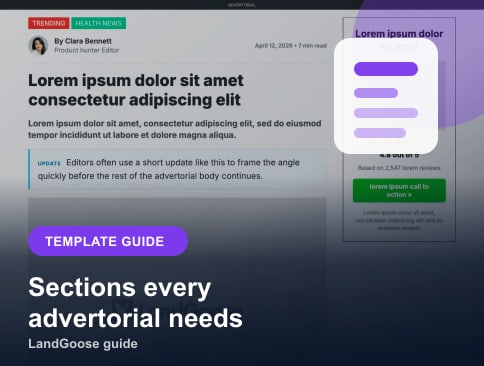
Step 6: Build the Core Sections
A converting advertorial page usually includes:
- a strong headline and lead
- a problem or frustration section
- why common alternatives do not work well enough
- story, explanation, or root-cause context
- product reveal and benefits
- proof, testimonials, or credibility builders
- objection handling and a CTA that points to the next step
That structure is often more important than perfect wording on the first draft.
Step 7: Add Proof and Custom Visuals
Proof should not be saved for the very end. Strong advertorials build trust as they go. Add specifics, screenshots, testimonials, or concrete details before the CTA feels too close.
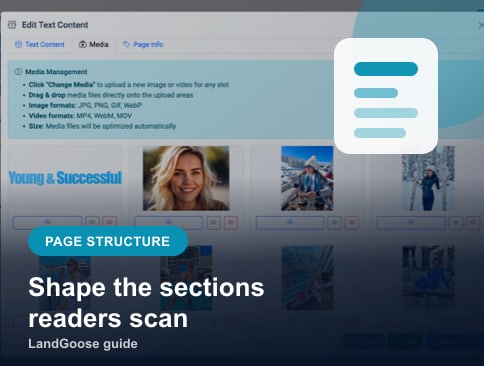
Visuals matter too. Use images to support the story, explain the product, show the problem, or reinforce the outcome. A hero image is worth testing just like a headline because it shapes the first impression of the page.
Step 8: Keep It Easy to Scan
Even long advertorials should be easy to read. Use:
- short paragraphs
- line breaks that keep the copy moving
- subheads that keep momentum
- a rhythm of headline, image, then text where it fits
- visual rhythm between text and media
- consistent spacing between sections
- clear CTA moments
Good advertorials feel guided, not crowded.
Step 9: Edit for Conversion, Not for Perfection
Your first goal is not literary perfection. It is a clear, persuasive page you can test. Tighten the headline, simplify the copy, remove weak sections, and make the CTA obvious.
Step 10: Publish and Iterate
Once the first version is live, the real work begins. Duplicate what works, test new angles, translate for new markets, and keep refining based on actual traffic.
This is why speed matters. If the workflow is slow, you test less. If the workflow is fast, you learn faster.
A Faster Way to Build
LandGoose shortens this process by giving you structured advertorial templates, first-draft support, quick editing, duplication, translation, and publishing in one workflow. That means you can spend less time assembling the page and more time refining the angle.
If you want more inspiration before you build, browse our advertorial examples or review what makes a good advertorial.
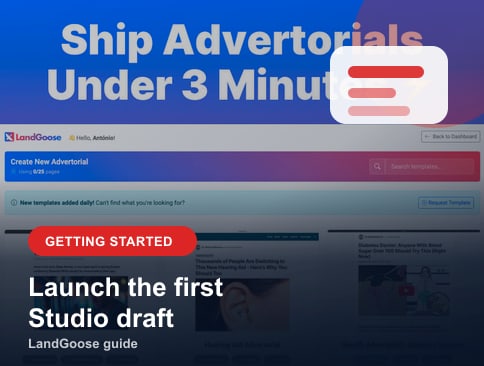
For the product-specific steps after this workflow, follow getting started with LandGoose. Once the first version is live, use the advertorial angle testing guide to plan controlled variations.